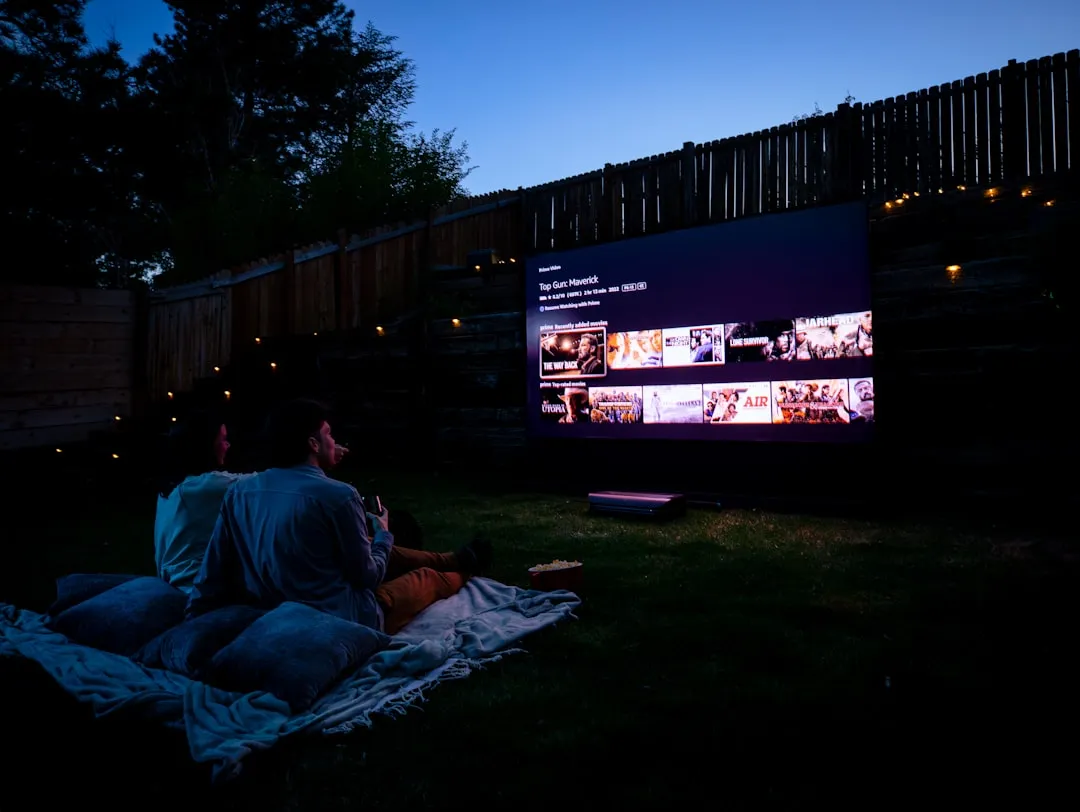
What is HDMI 2.1 and why it matters
HDMI 2.1 is the latest version of the connection standard that transmits high-quality audio and video between devices. Launched in 2017, it offers a bandwidth of up to 48 Gbps, twice the previous version (HDMI 2.0, with 18 Gbps). This extra capacity allows the transmission of much higher resolutions and higher frame rates without signal degradation.
The main difference is in the amount of data that passes through the cable every second.The greater this capacity, the more visual information can be transmitted in real time, resulting in sharper images, with more colors and more fluid movements.For those who use 4K TVs, high performance gaming or video editing workstations, this difference is tangible and measurable.
Resolutions and frequencies: the real quality leap
HDMI 2.0 supports 4K at 60Hz (four-year image at 60 frames per second). HDMI 2.1, in turn, supports 4K at 120Hz, 8K at 60Hz and up to 10K in specific cases. In practice, this means more fluid movement and even more detailed images.
For gaming, the difference is remarkable: on consoles like PlayStation 5 and Xbox Series X, HDMI 2.1 allows games to run in 4K at 120fps, eliminating visual crashes and offering greater responsiveness.In movies and series, 4K at 60Hz is already excellent, but 4K at 120Hz provides smoother camera transitions in dynamic content.
Color depth also jumps: while HDMI 2.0 offers up to 12 bits of depth in 4K, HDMI 2.1 maintains this quality up to 10K, preserving nuances of color that the human eye, on premium monitors, can discern in scenes with complex gradients.
Refresh rate: fluidity versus latency
The refresh rate (Hz) is critical to the visual experience. An HDMI 2.0 cable in 4K is limited to 60Hz because the amount of data that needs to pass through the channel reaches the capacity ceiling. Already HDMI 2.1, with 48 Gbps, allows 120Hz effortlessly, doubling the amount of frames per second displayed on the screen.
For competitive gamers, this difference is essential. A 120fps game in 4K offers image transitions twice as smooth as 60fps, reducing motion blur (motion blur) and improving aiming accuracy in shooting or action games.In virtual sports, racing pastime or fast games, this increased fluidity translates into practical advantage.
Outside of gaming, the higher refresh rate benefits video editing, viewing content on the go, and even interface navigation on smart TVs, making everything less clogged and more responsive.
Compatibility: not all HDMI 2.1 cable is the same
Here is a common trap: not all cables with HDMI 2.1 label support the full standard. There are variations such as HDMI 2.1a and HDMI 2.1b, each with slightly different capabilities.In addition, the quality of cable construction matters: improper shielding can lead to signal loss over longer distances or generate electromagnetic interference.
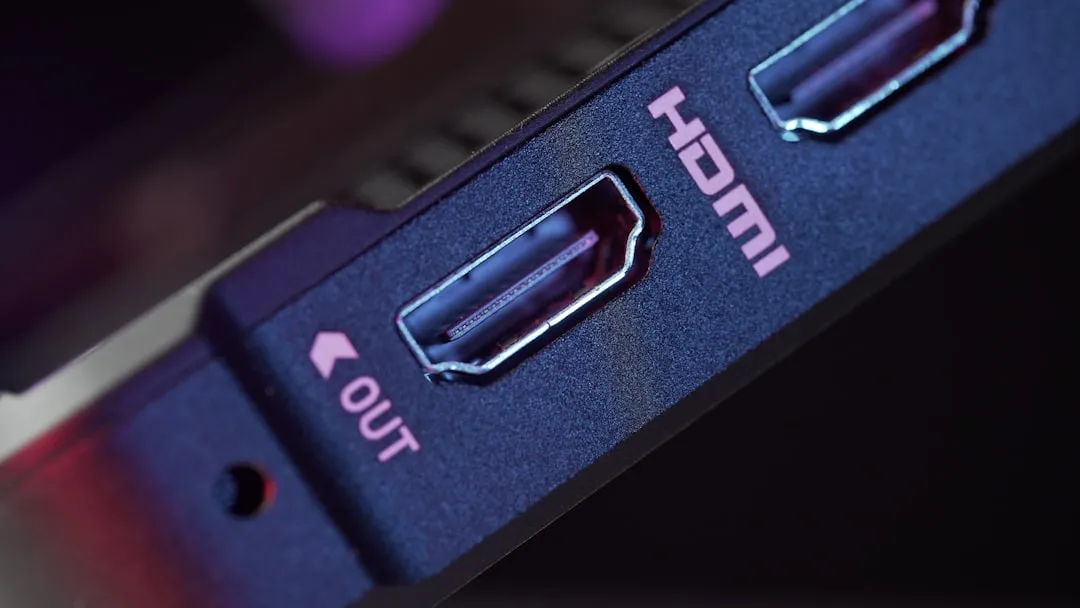
To ensure full compatibility, look for HDMI organization certified cables that explicitly indicate 48 Gbps support. Also check the length: top quality HDMI 2.1 cables work well up to 2 meters with all the bandwidth; above that, quality may drop. If you need longer distances, consider active extenders or fiber optic cables, which eliminate this limitation.
Old devices such as 4K TVs from 2016-2017 and some projectors may not have HDMI 2.1 ports. In this case, an HDMI 2.1 cable will continue to work, but only up to the capacity of the device port. There is no loss of quality when using HDMI 2.1 on HDMI 2.0 ports, just does not take advantage of the extra potential.
How to choose the right cable for your setup
For conventional 4K TVs: If your TV only supports 4K at 60Hz, a good quality HDMI 2.0 cable is enough. There is no gain in using HDMI 2.1. Save and invest in something else.
For next-generation consoles (PS5, Xbox Series X): It is worth investing in HDMI 2.1 certified if your monitor or TV also supports 120Hz. Visual fluidity is a sensitive improvement in titles that allow 4K at 120fps.
For PC gaming in high performance: If your graphics card supports 4K at 144Hz or higher and your monitor too, HDMI 2.1 is a must. Otherwise, HDMI 2.0 may be enough.
For professional video editing: HDMI 2.1 is recommended only if you work with 8K or need to monitor at resolutions and frequencies that exploit the maximum passband.For most 4K projects, HDMI 2.0 is enough.
Identifying real HDMI 2.1 cables
When purchasing, please note that the cable has official HDMI forum certification.A label or QR code may appear on the packer that confirms authenticity.Trusted brands such as Belkin, Anker, Cable Matters and Amazon Basics offer certified options at affordable prices.
Avoid