Introduction: Why the Correct Tablet Choice Matters
Choosing a tablet for digital drawing is a decision that directly affects the quality of your work and your productivity. Unlike using a tablet to consume content, drawing requires specific and well-calibrated hardware. The screen, processor, memory and compatibility with stylus pens are critical factors that determine whether you will have a fluid or frustrating experience.
Many digital artists make the mistake of focusing only on price or brand, ignoring technical specifications that make all the difference.A cheap tablet can have high latency, inaccurate colors or insufficient pen pressure, making the artwork unpleasant.
Screen: The Most Critical Specification
Resolution and Size: The Right Balance
The screen is the heart of a tablet for drawing. The resolution should be at least 1920×1440 pixels for 10-inch tablets, or 2560×1600 for 11 or 12-inch models.Smaller resolutions result in pixelation and make it difficult to work that requires fine detail.
Size matters as much as resolution. 10-inch tablets offer portability and are ideal for beginners. 11 to 13-inch models provide more space to work, especially useful for professional illustrators. Consider also where you will draw: if on the go, 10 inches is better; if in the studio, larger tablets reduce fatigue.
Panel Update Rate and Technology
A refresh rate of 120 Hz is considered standard on modern drawing tablets. This means that the screen refreshes 120 times per second, creating a smoother visual experience when you draw lines. Models with 60 Hz can look slow in comparison, especially for fast drawings.
As for the panel technology, LCD and AMOLED have different advantages.LCD offers more predictable colors and higher accuracy for professional work.AMOLED has deeper blacks, but can suffer from image burning if using the same interface for a long time.For drawing, LCD is the safest choice.
Color Space and Calibration
Look for tablets with sRGB color space coverage of at least 90%. Ideally, choose models with P3 (DCI-P3) support, which offers a wider range of colors. This specification is crucial if your work will be printed or delivered to customers who expect faithful colors.
Color accuracy is checked through deltaE: a value below 2 indicates excellent accuracy.Some premium tablets offer factory calibration, which saves time and money on professional calibration later.
Stylus Pen Pressure: Essential Sensitivity
Pressure Levels and Responsiveness
The number of pressure levels determines how sensitive the pen is to its strokes.Drawing tablets should offer at least 2048 pressure levels; 4096 is good; 8192 or more is excellent. The higher the number, the more natural the variation in thickness and opacity of the strokes.
The latency of the pen 'the time between you plot and the line appear on the screen 'IS equally important. Latency below 20 milliseconds is imperceptible to the human eye. Professional tablets maintain latency between 9 and 15 ms. If the latency is high (above 30 ms), drawing becomes frustrating and inaccurate.
Compatibility and Pen Type
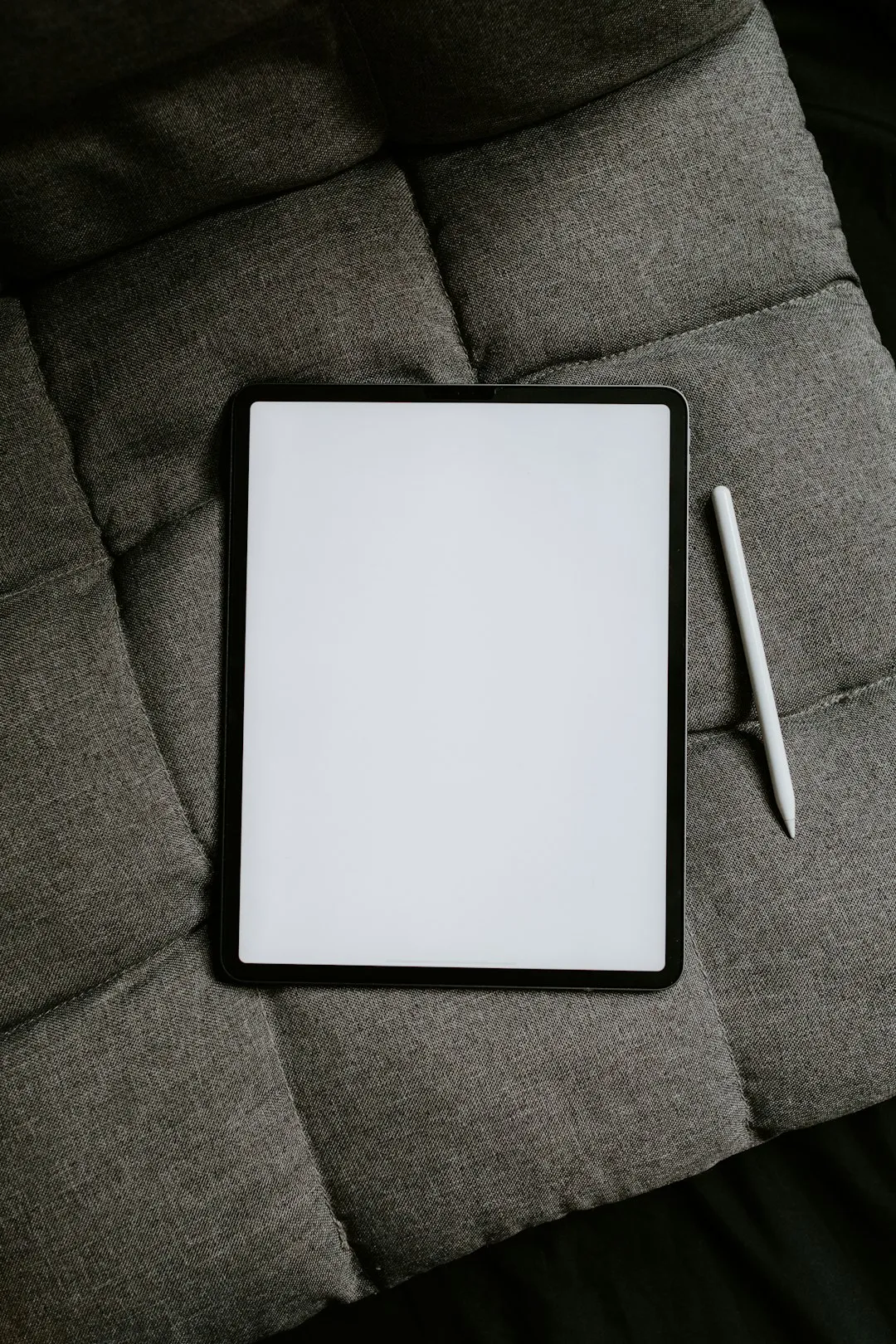
There are two main types of pen: capacitive and active. Active pens have built-in electronics and communicate with the tablet, offering precise pressure and tilt. Capacitive pens are simpler but offer limited sensitivity.
Make sure the stylus pen is included in the package and what its replacement cost is. Some brands offer expensive proprietary pens; others use open standards. The pen battery also matters: models with a rechargeable battery via USB-C are more practical than those using batteries.
Processor, RAM and Storage: Lock-Free Performance
Processor: Computational Power Required
For drawing apps like Procreate, Ibis Paint, or Clip Studio Paint, the processor must be powerful. Tablets with flagship chips (like Apple M1/M2 or Snapdragon 8 Gen 1) offer uncompromising performance.Middle-line processors still work, but can be slow when working with multiple layers or complex effects.
Benchmarks are useful: look for Geekbench scores above 1500 in single-core. This ensures that apps open fast and the brush does not lag when you increase the complexity of the project.
RAM: Recommended Quantities
The minimum acceptable is 4 GB of RAM, but 6 GB is more comfortable. For professional artists working with multiple layers (20+) and high resolution projects, 8 GB or more is ideal. Insufficient RAM causes crashes and loss of fluidity when drawing.
Storage: Space for Projects
Drawing tablets should have at least 128 GB of internal storage. High-resolution projects with many layers consume gigabytes quickly. If you work with video or save many projects on the device, opt for 256 GB or 512 GB. Unlike smartphones, it is not common to expand storage on tablets with a microSD card.
Connectivity and Food: Practicality in the Day to Day
Fast Charging and Autonomy
A tablet for drawing should charge in a maximum of 2-3 hours. USB-C chargers of 18W or higher ensure this. Battery autonomy should be at least 10 hours of continuous use. If you work in cafes or travel frequently, models with battery more than 12 hours are preferable.
Avoid tablets that use proprietary connectors (like the old Lightning): USB-C is the standard and offers greater charging flexibility with any modern cable.
Computer Connection and Peripherals
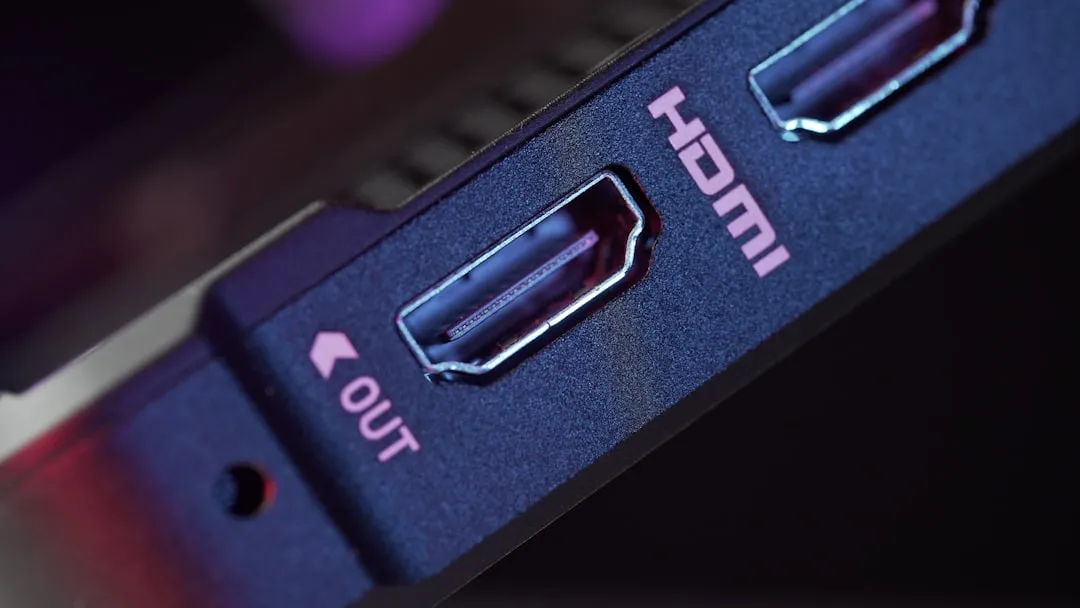
The ability to connect to an external monitor via USB-C or HDMI is valuable if you plan to use the tablet as a second display. Some tablets support remote desktops, allowing synchronization with your main computer.Make sure the tablet supports WiFi 6 (802.11ax) for fast file transfers.
Additional Features That Make a Difference
Glass and Resistance Certification
Drawing tablets should have Gorilla Glass glass-protected screen or equivalent (minimum version 3). Some premium brands offer Gorilla Glass Armor, which reduces reflections. This protection is essential because you will place a pen against the screen repeatedly.
Professional Application Support
Make sure the tablet runs the apps you plan to use. Procreate works only on iPad; Clip Studio Paint and Ibis Paint are available on iPad and Android; Photoshop and Krita are cross-platform.
Available Accessories
The availability of cases, holders, matte screen protectors (to reduce reflections and improve touch) and Bluetooth keyboards affects the overall experience.Ecosystems with many third-party accessories offer more flexibility and lower prices.
Summary: Final Checklist of Specifications
When choosing a tablet for digital design, prioritize in this order: screen (minimum resolution 1920×1440, 120 Hz, sRGB 90%+), stylus pen (2048+ pressure levels, latency <20 ms), processor (flagship or high line), RAM (minimum 6 GB), storage (128 GB+) e battery (10+ hours).
Do not get carried away by the price. A cheap tablet with inadequate specifications is a lost investment. Test in store if possible and check reviews of real artists. Quality tablets cost between R $ 2,500 and R $ 7,000, and this investment is paid in productivity and satisfaction.